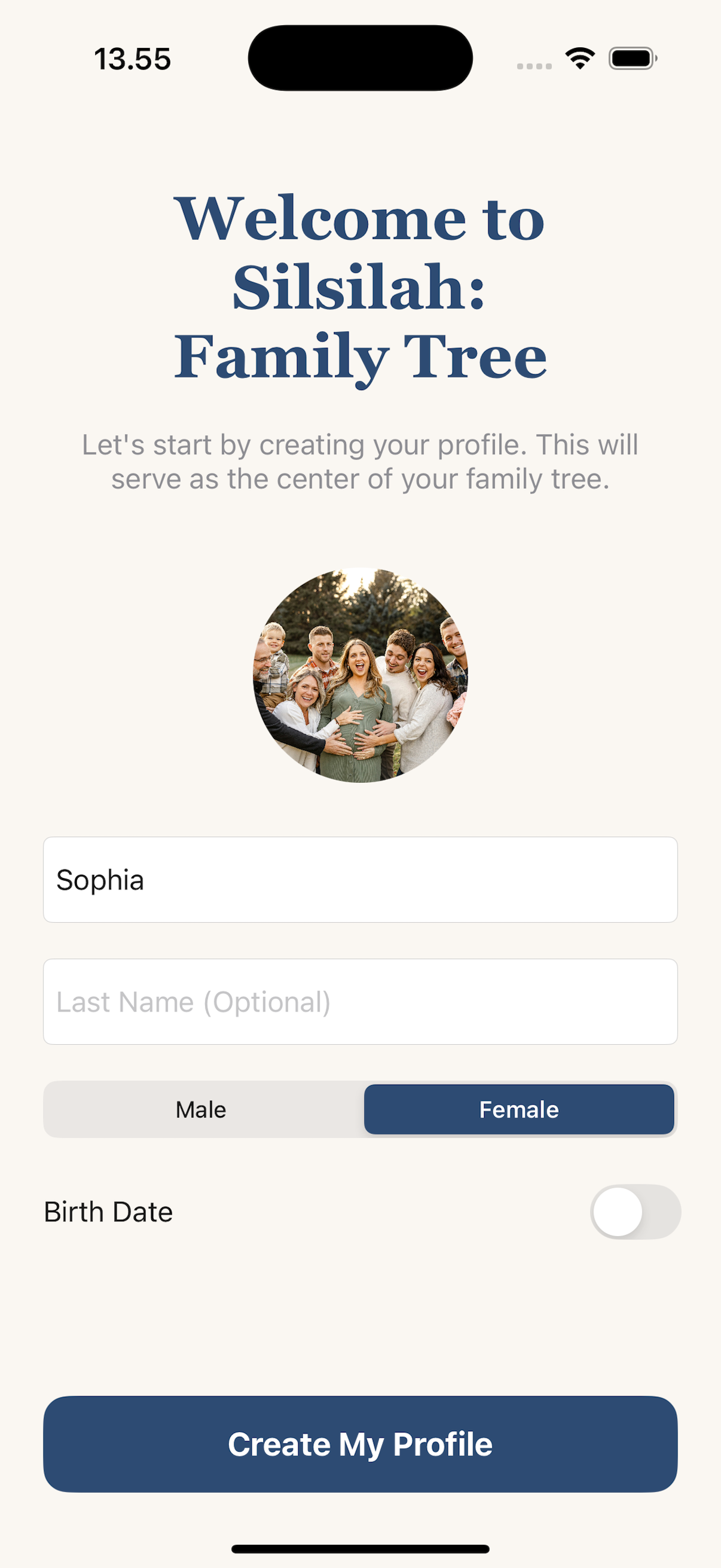
Build your family tree privately on iPhone.

Add parents, children, spouses, and siblings in seconds — with no account, no cloud upload, and no tracking.

★★★★★

Available now on iPhone. Android version in development.

See how it works

See how it works before you install.

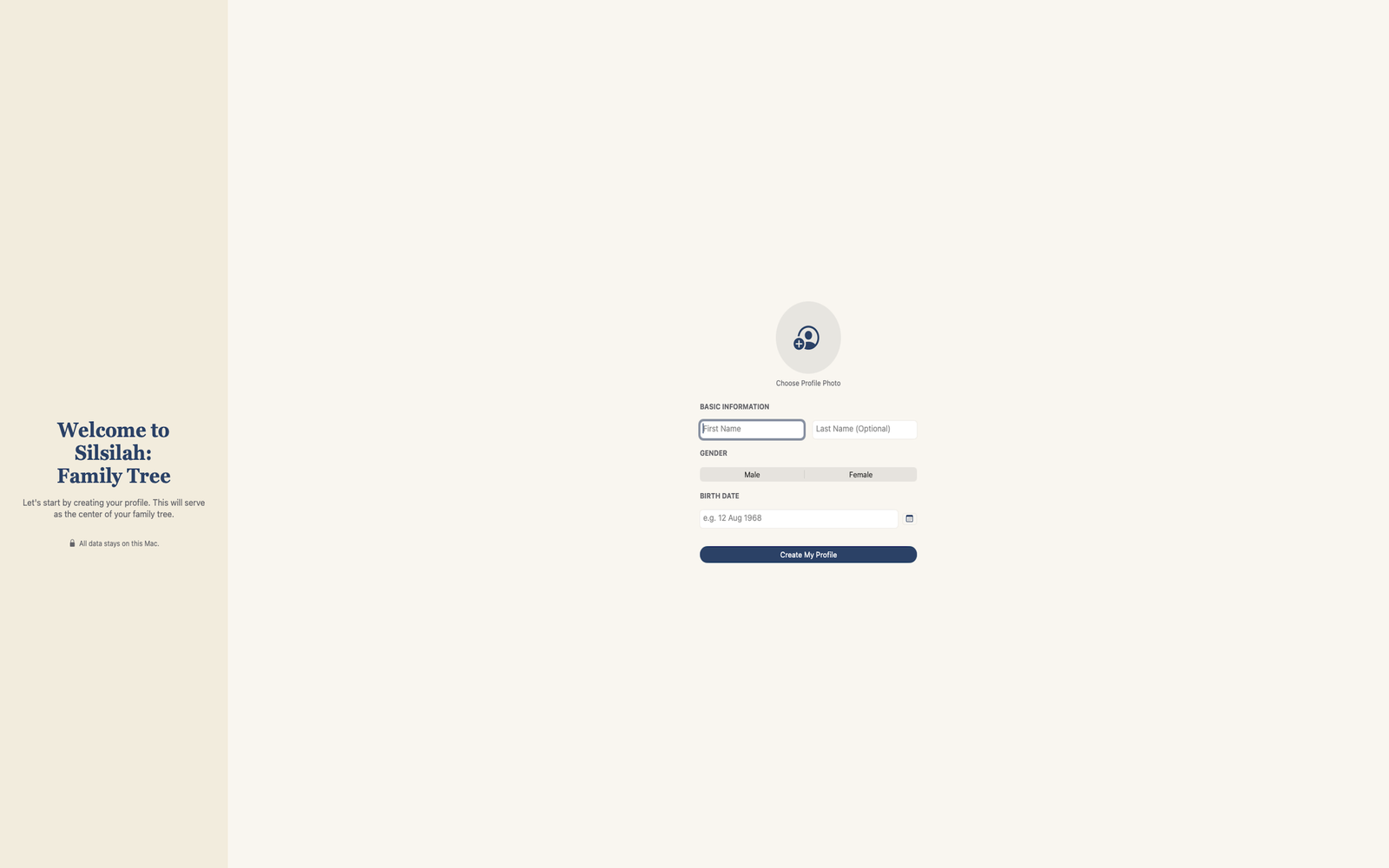
Try a simplified version of Silsilah: Family Tree right in your browser to see how quickly a family tree comes together. Add relatives, see relationships, and understand the visual layout — this preview holds up to 10 people.

Press Tab to move between people, Enter or Space to open the add menu for the focused person.

4 / 10

You've reached 10 people — the preview limit. Download Silsilah: Family Tree to grow your whole family, add photos, and keep it private on your device.

Download on theApp Store

Built right in your browser — nothing leaves this device.

Like this experience? Get the full version on iPhone for larger trees, stronger privacy controls, and the complete feature set.

Download on theApp Store

Build a family tree without fighting the interface.

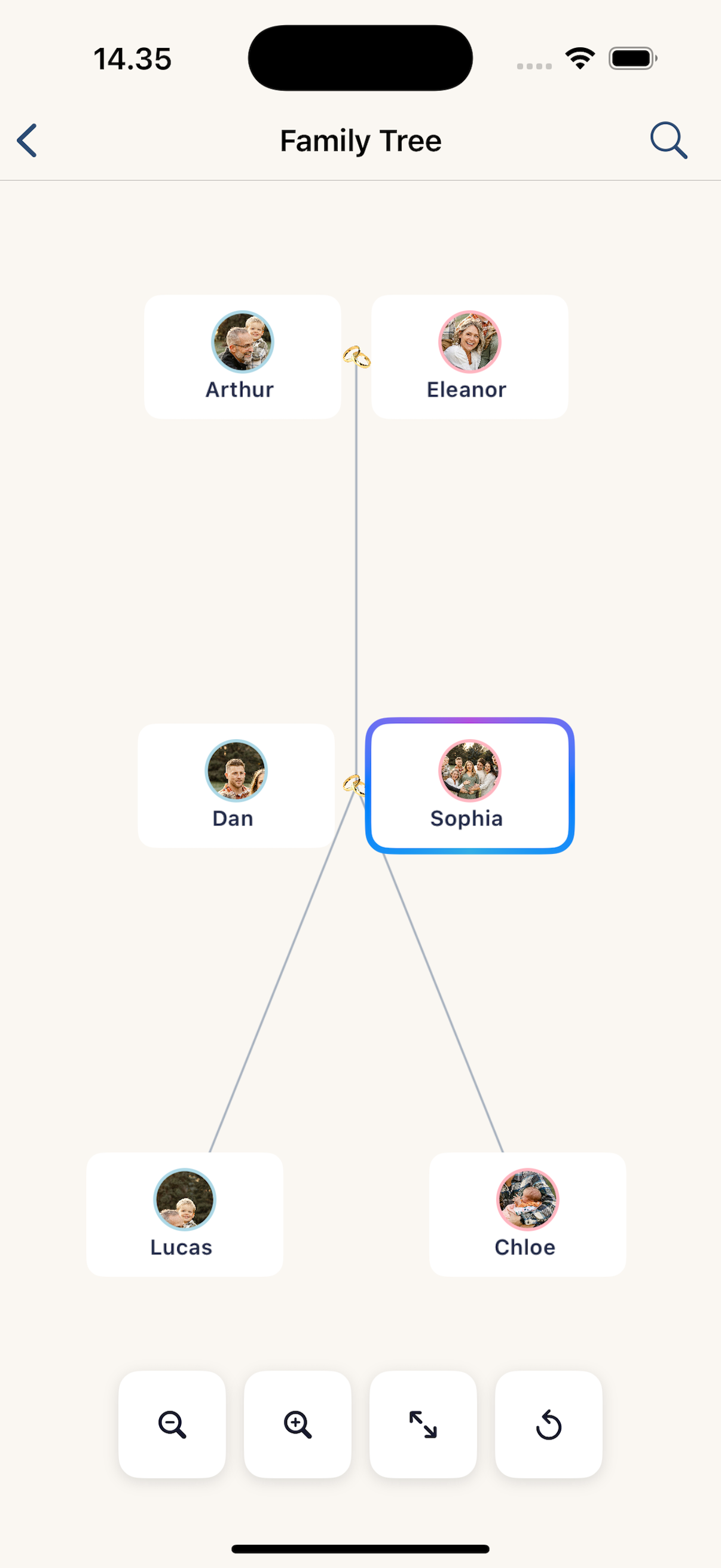
Add parents, children, spouses, and siblings naturally. Silsilah: Family Tree arranges the tree for you, so you can focus on family connections instead of dragging boxes around.

Add relatives in a few taps

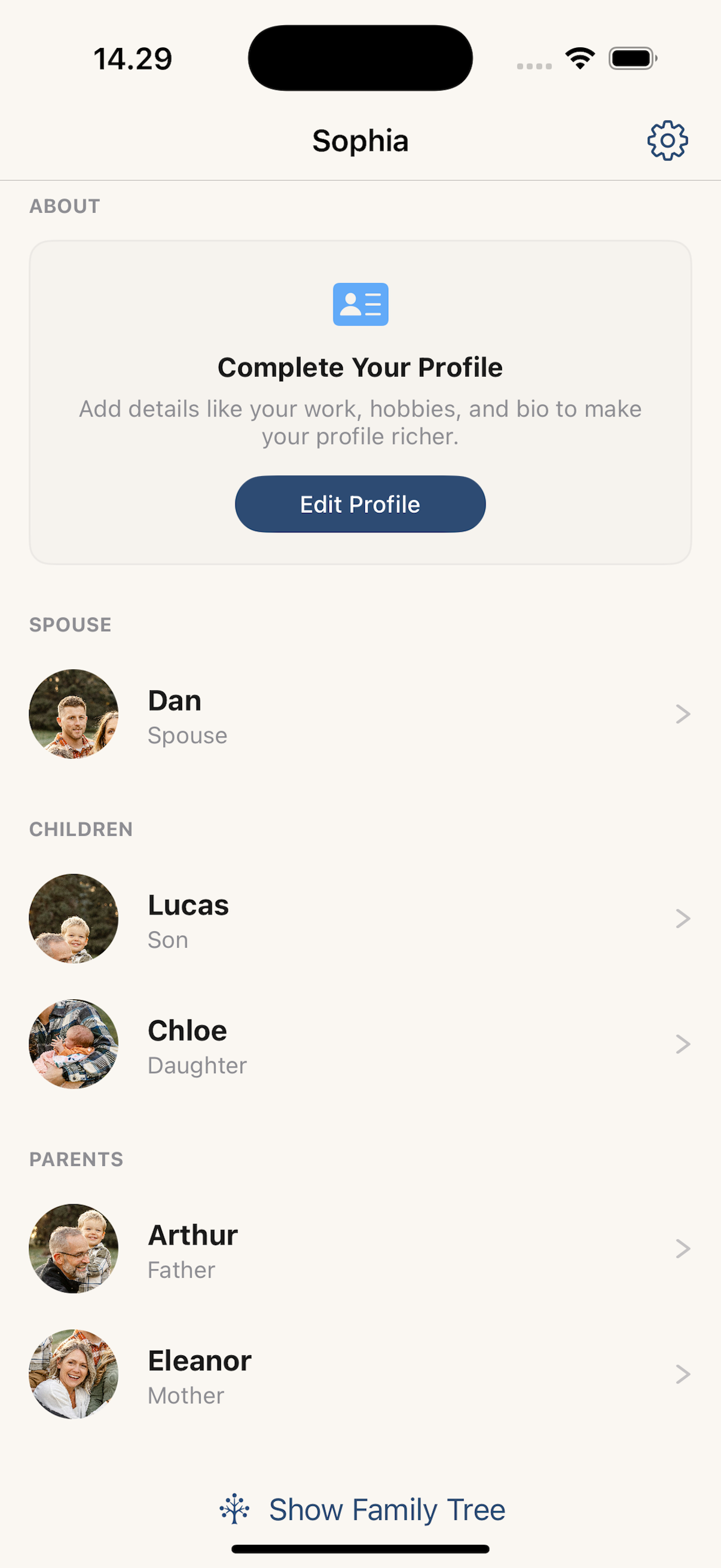
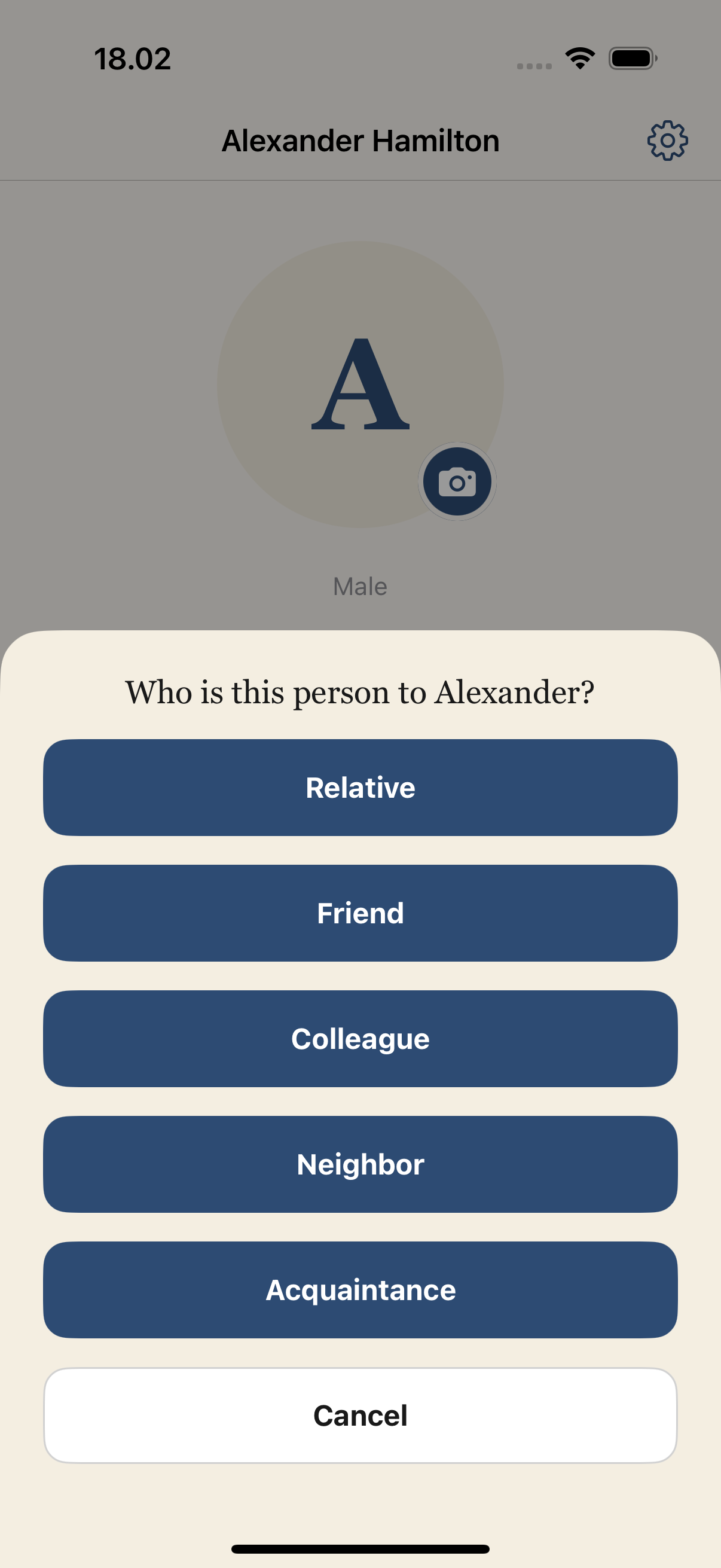
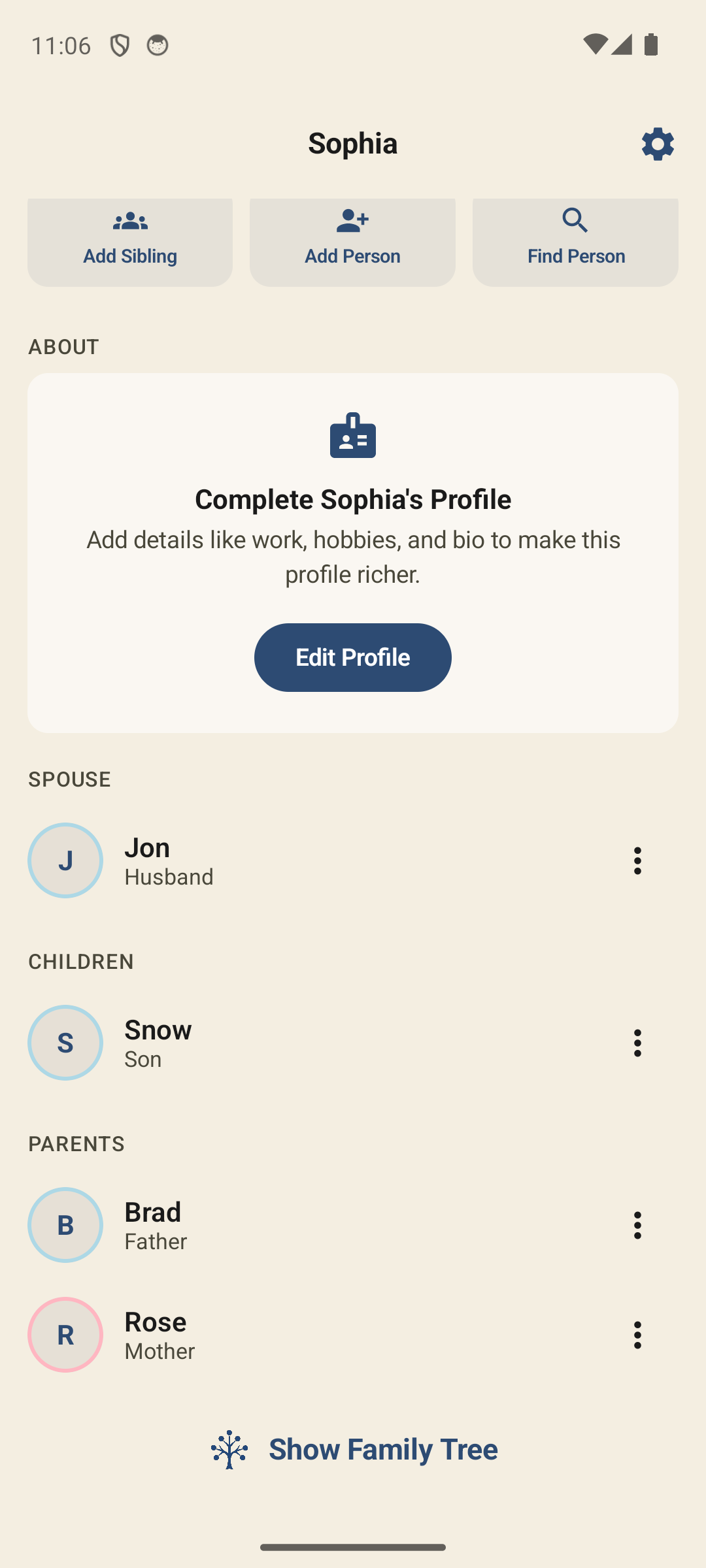
Add parents, children, spouses, and siblings. Relationships connect both ways automatically — link a couple once and their children share both parents.

See relationships arranged automatically

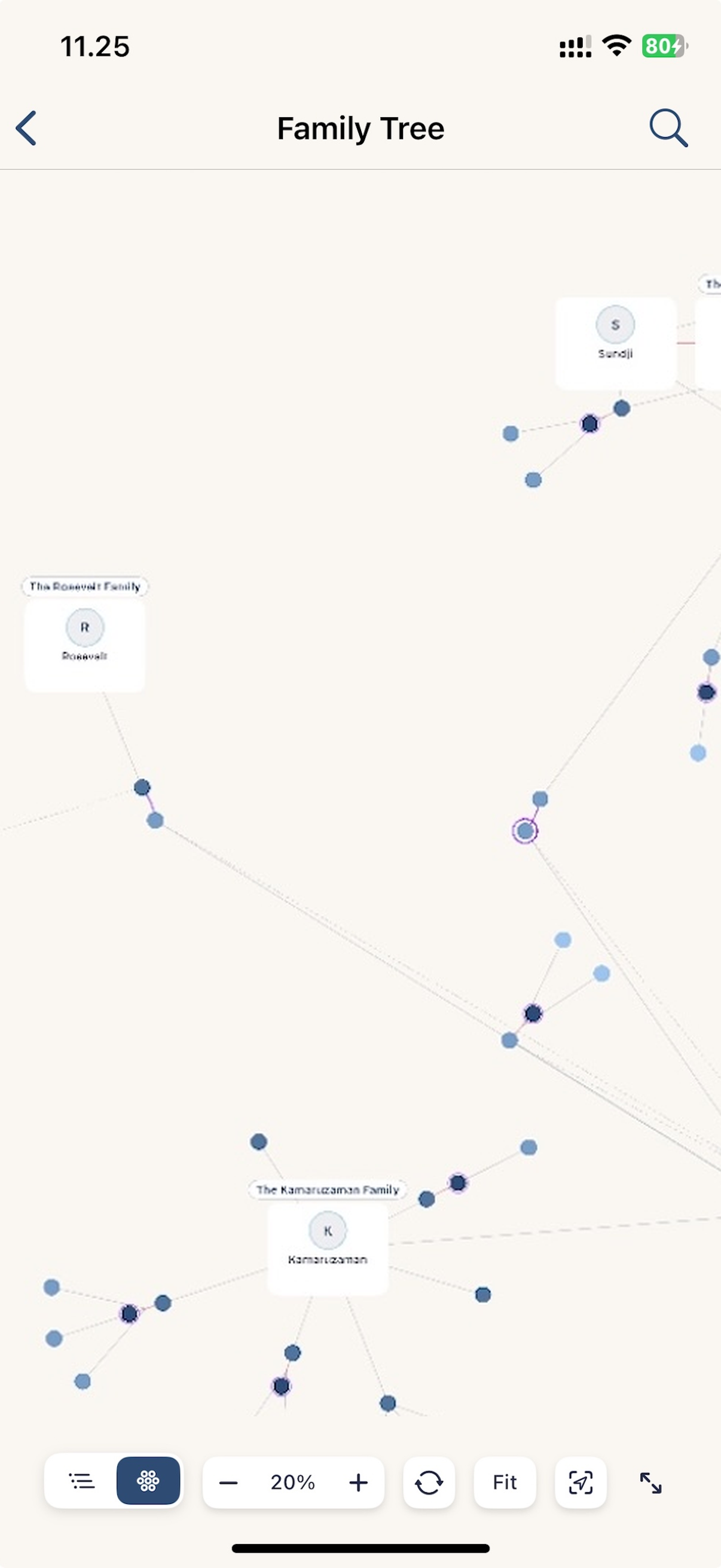
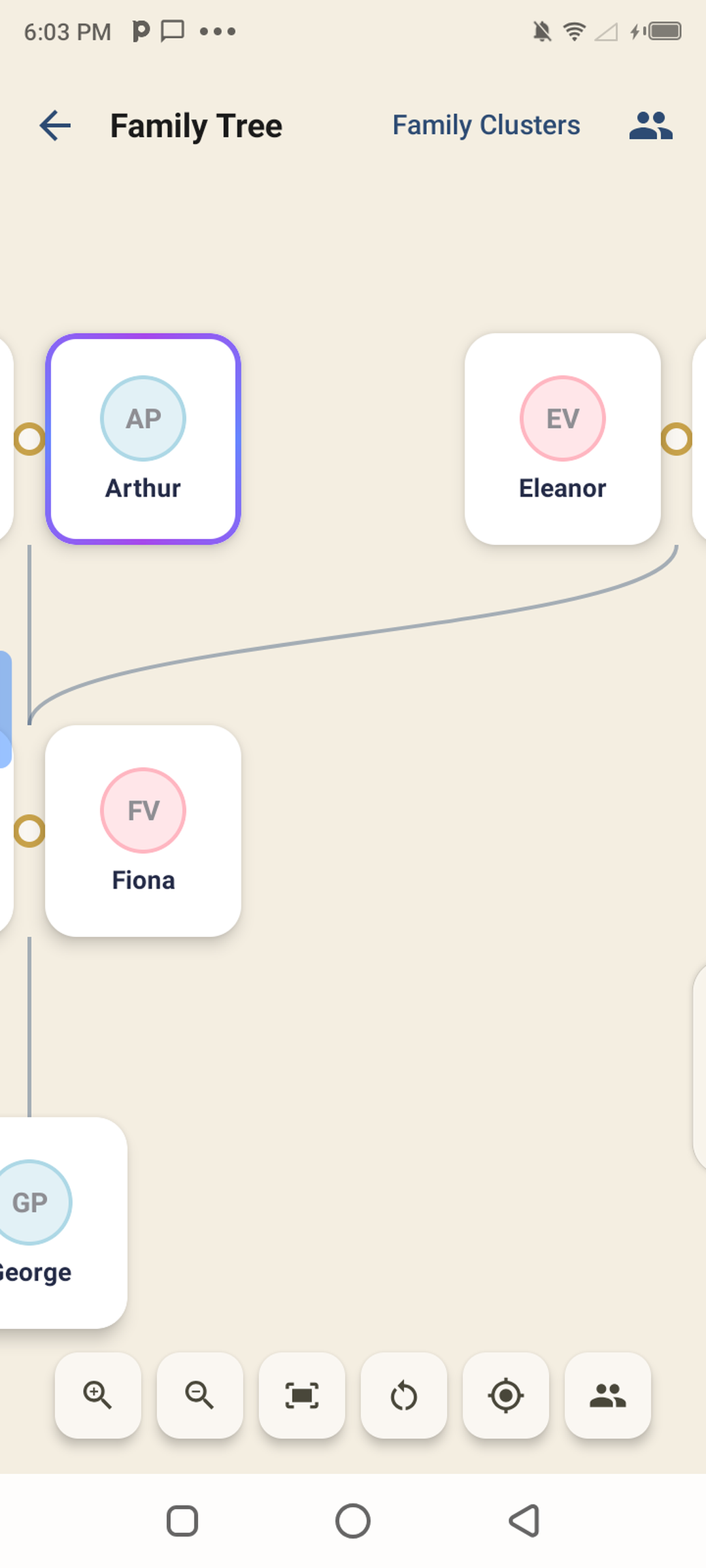
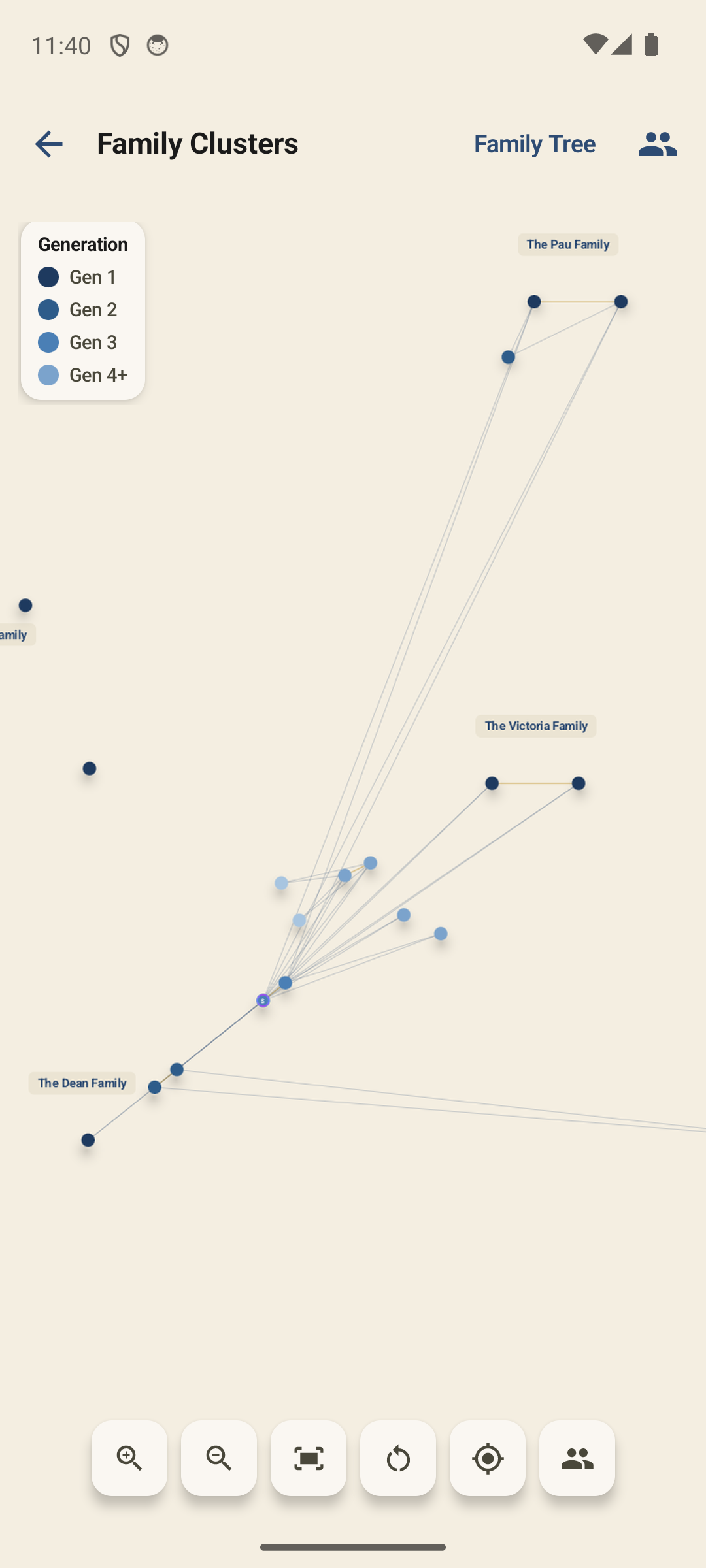
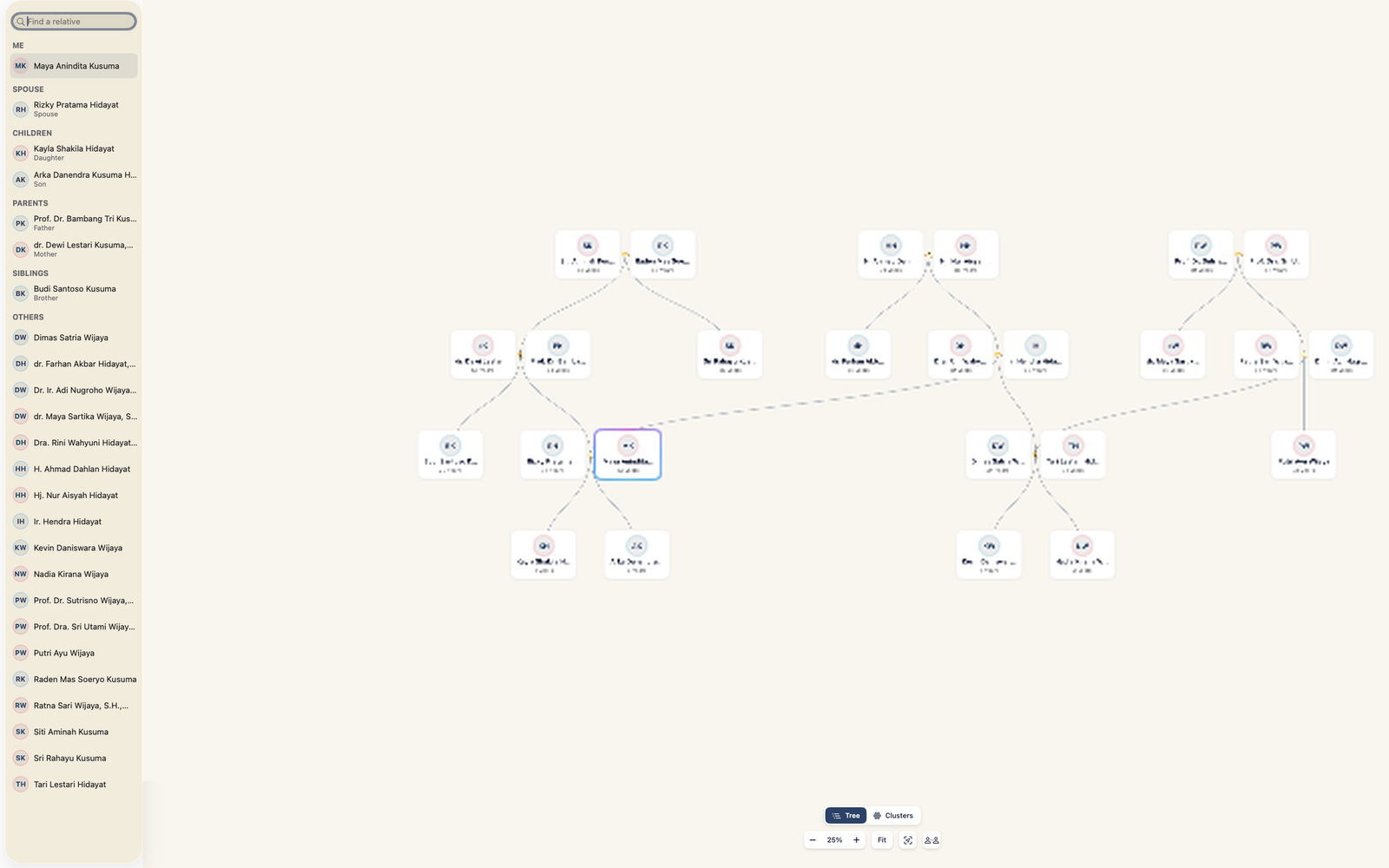
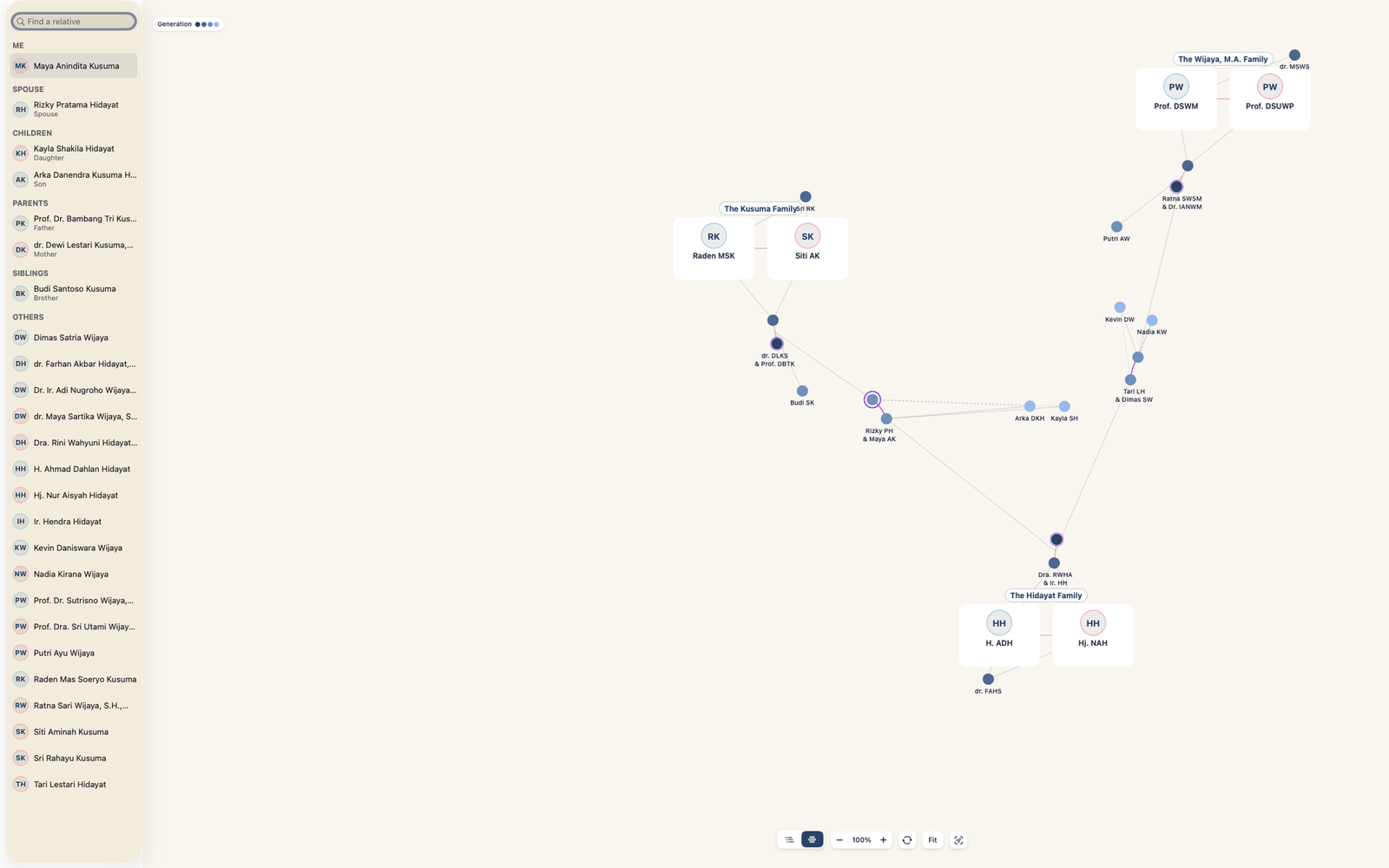
Every change re-flows into a clean, balanced diagram. Pinch, zoom and pan across generations — no dragging boxes around.

Navigate visually, not manually

Move through generations with simple gestures. The tree stays tidy no matter how large it grows, so you spend time exploring, not arranging.

Make the tree feel like your family, not just a diagram.

Import people from your contacts, match faces to names, and add photos so each branch feels personal. The result is closer to a family album with structure than a sterile genealogy form.

Import from contacts

Pull names and photos straight from your phone's contacts, so building your first few branches takes seconds.

Match photos to relatives

On-device photo matching surfaces other pictures of a relative from your library — rediscover photos you forgot you had.

Turn names into faces

Give each person a photo so your tree feels like family, not a spreadsheet. Avatars stay crisp at every zoom level.

Screenshots

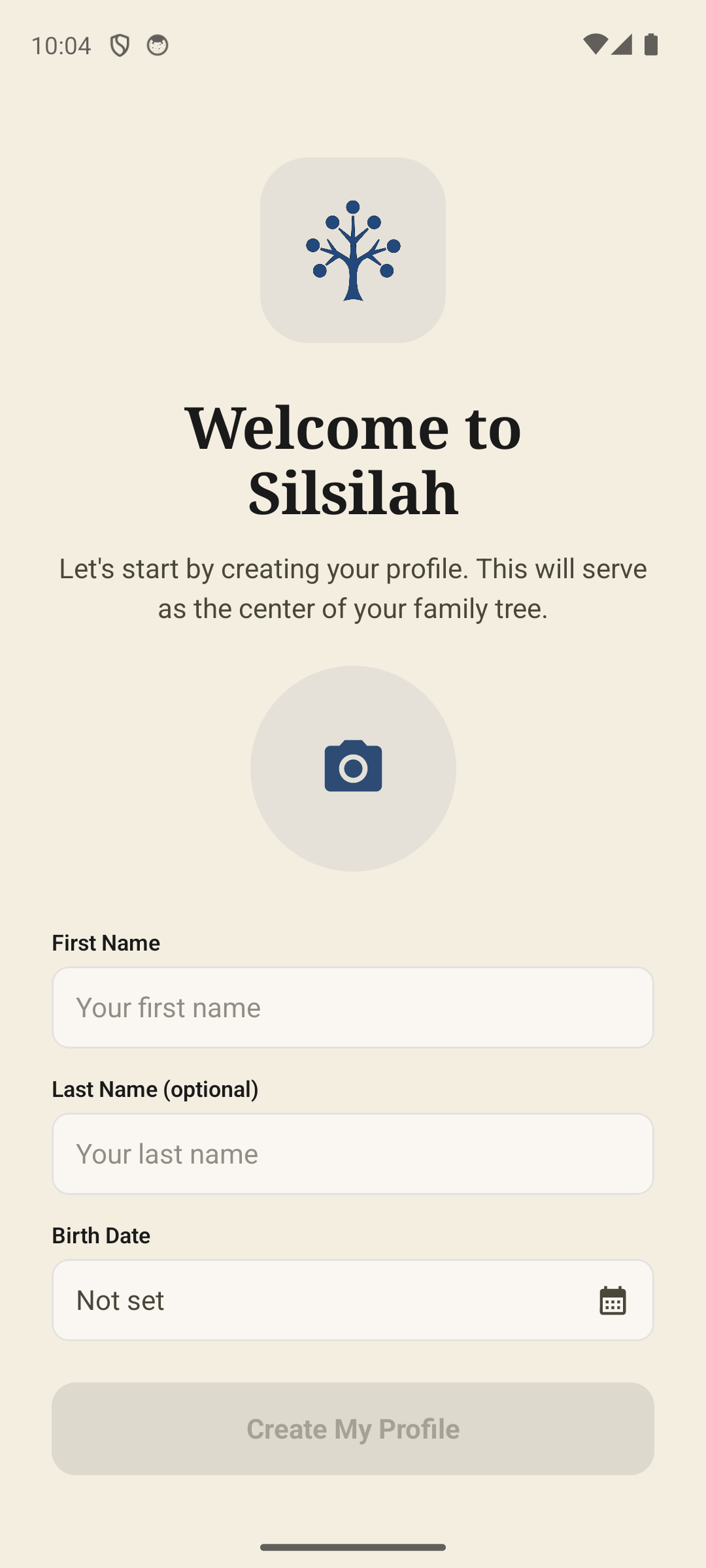
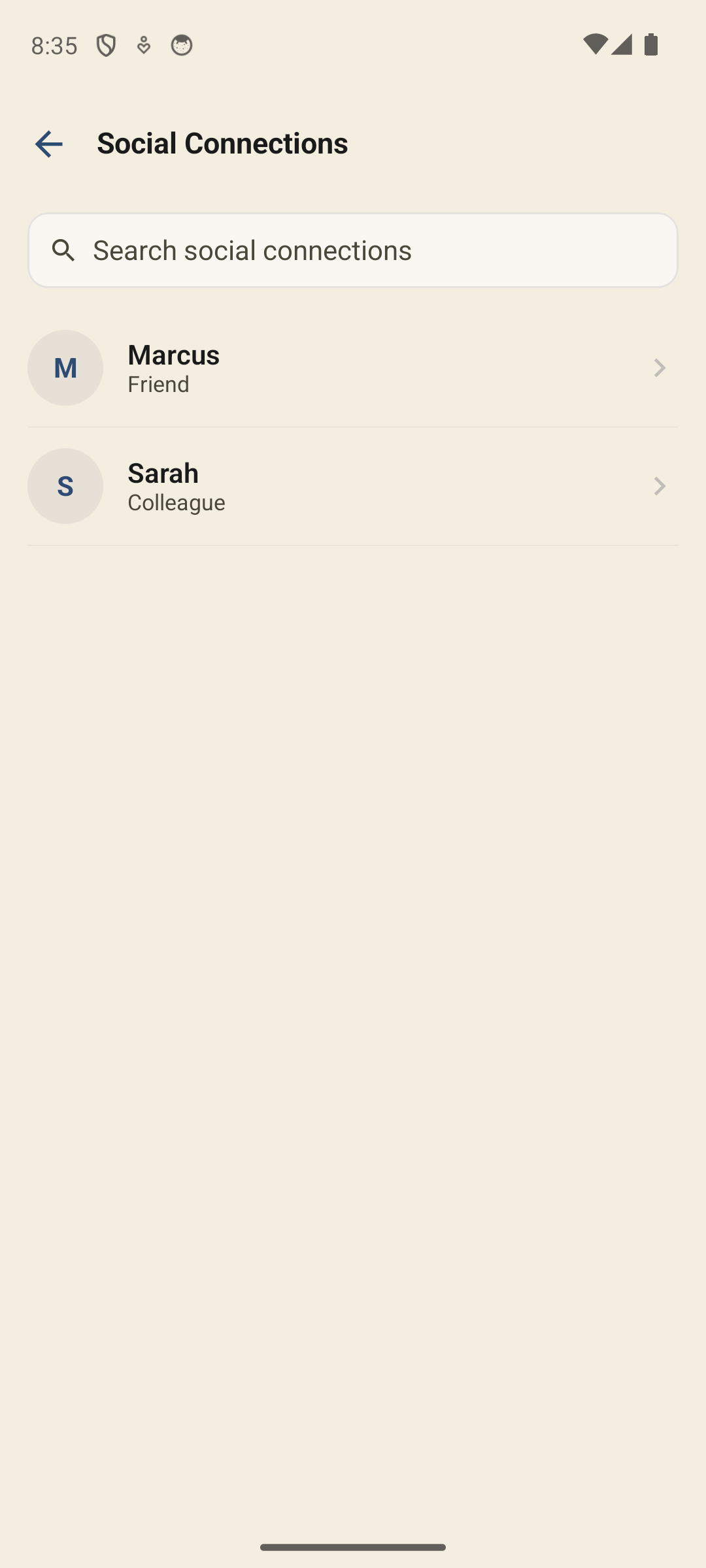
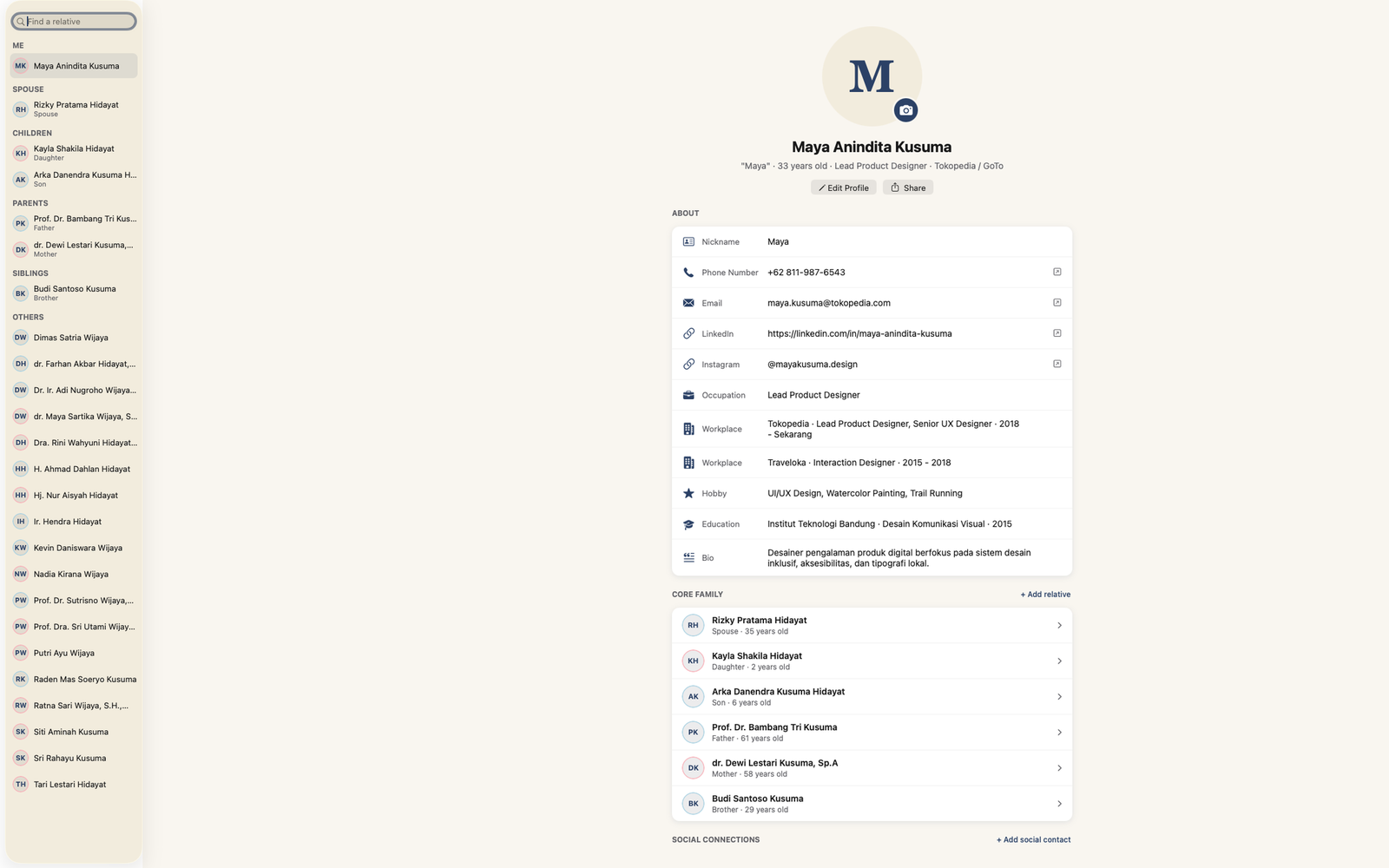
See Silsilah: Family Tree in action on iPhone and iPad.

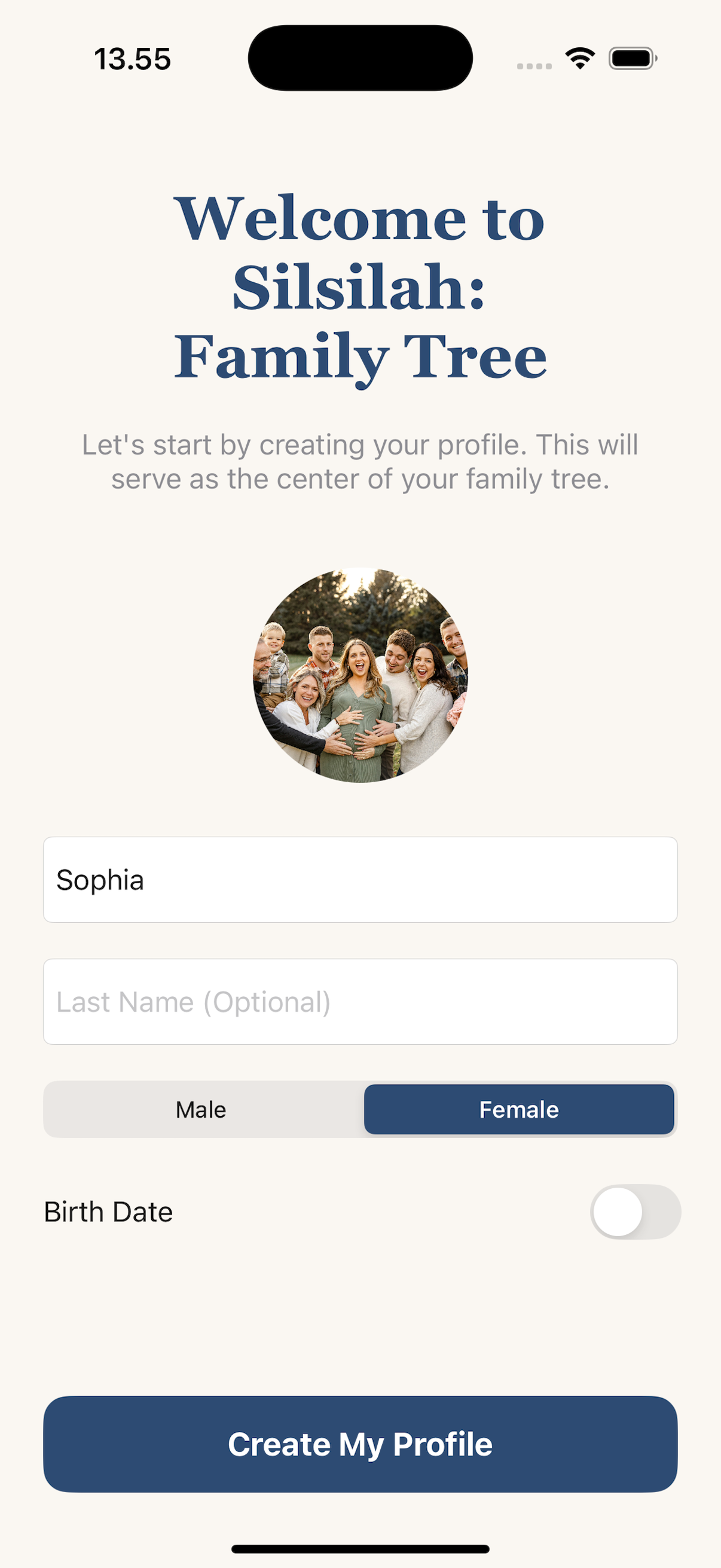
Browse through real screenshots of the app — building a tree, adding relatives, managing photos, and more. Available on both iPhone and iPad with a layout optimised for each screen.

Privacy & trust

Private by design, not as an afterthought.

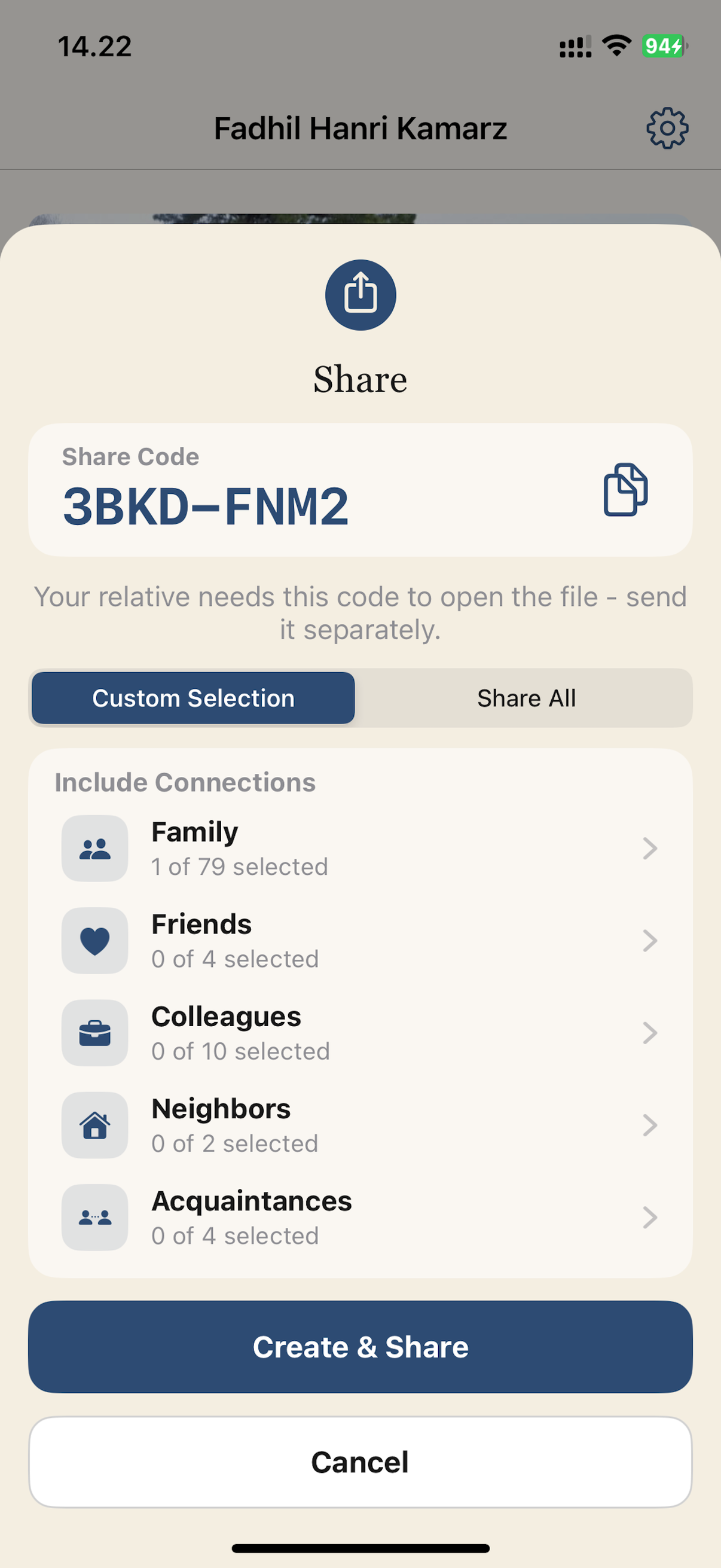
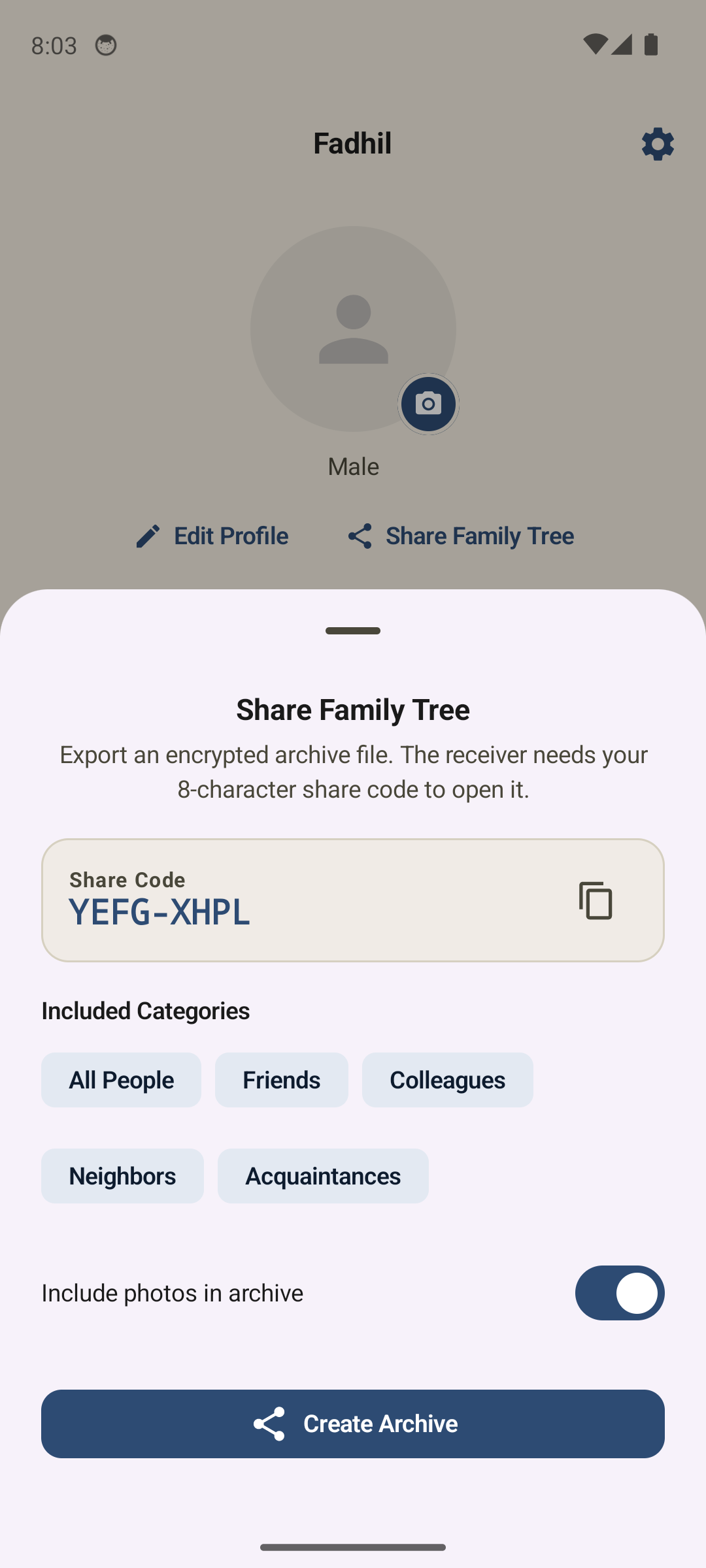
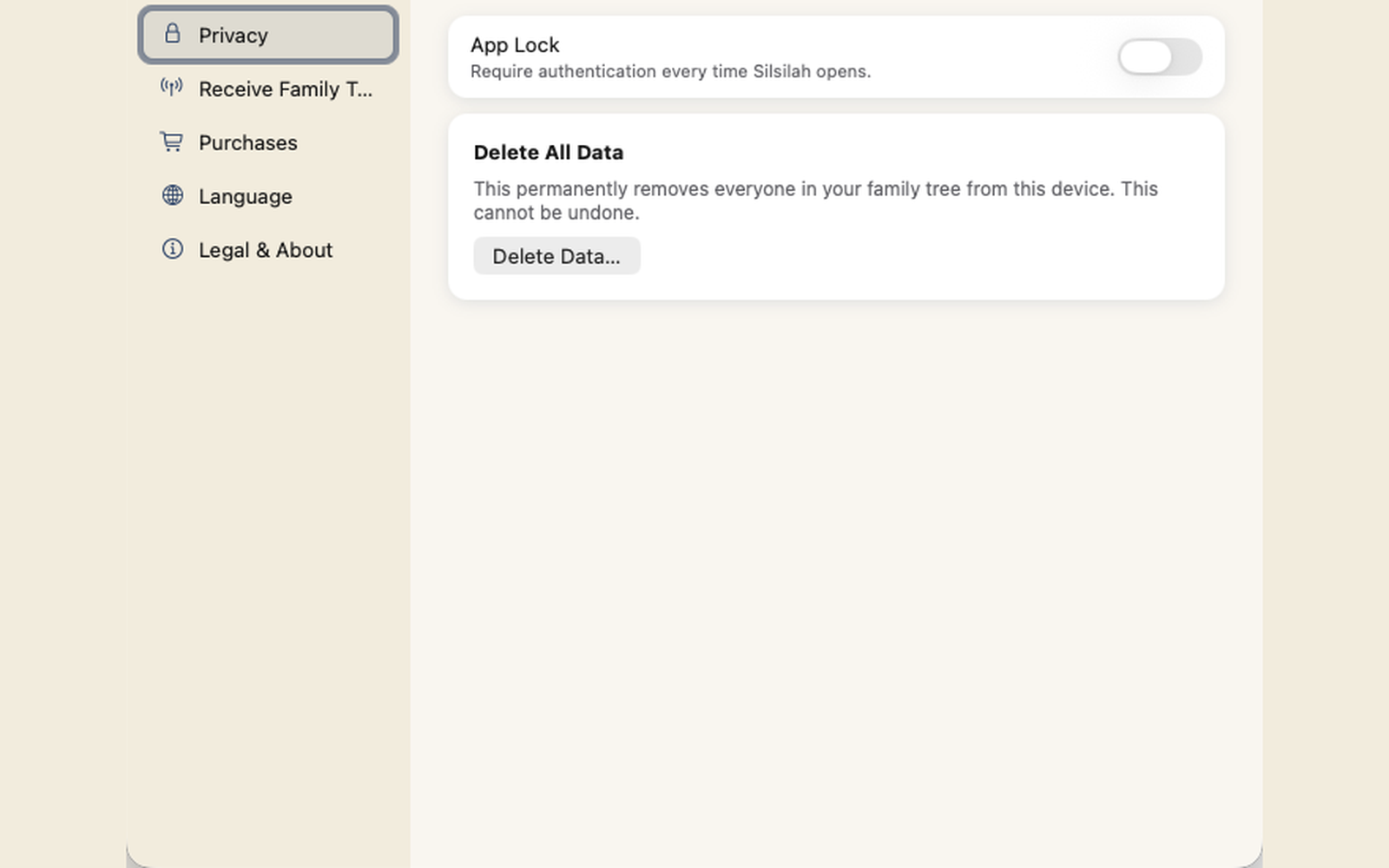
Your family data stays on your device. There is no account to create, no analytics tracking your activity, and no cloud upload required to start building.

Stored on your device

Your whole tree — names, relationships and photos — is saved locally. No servers hold your family data.

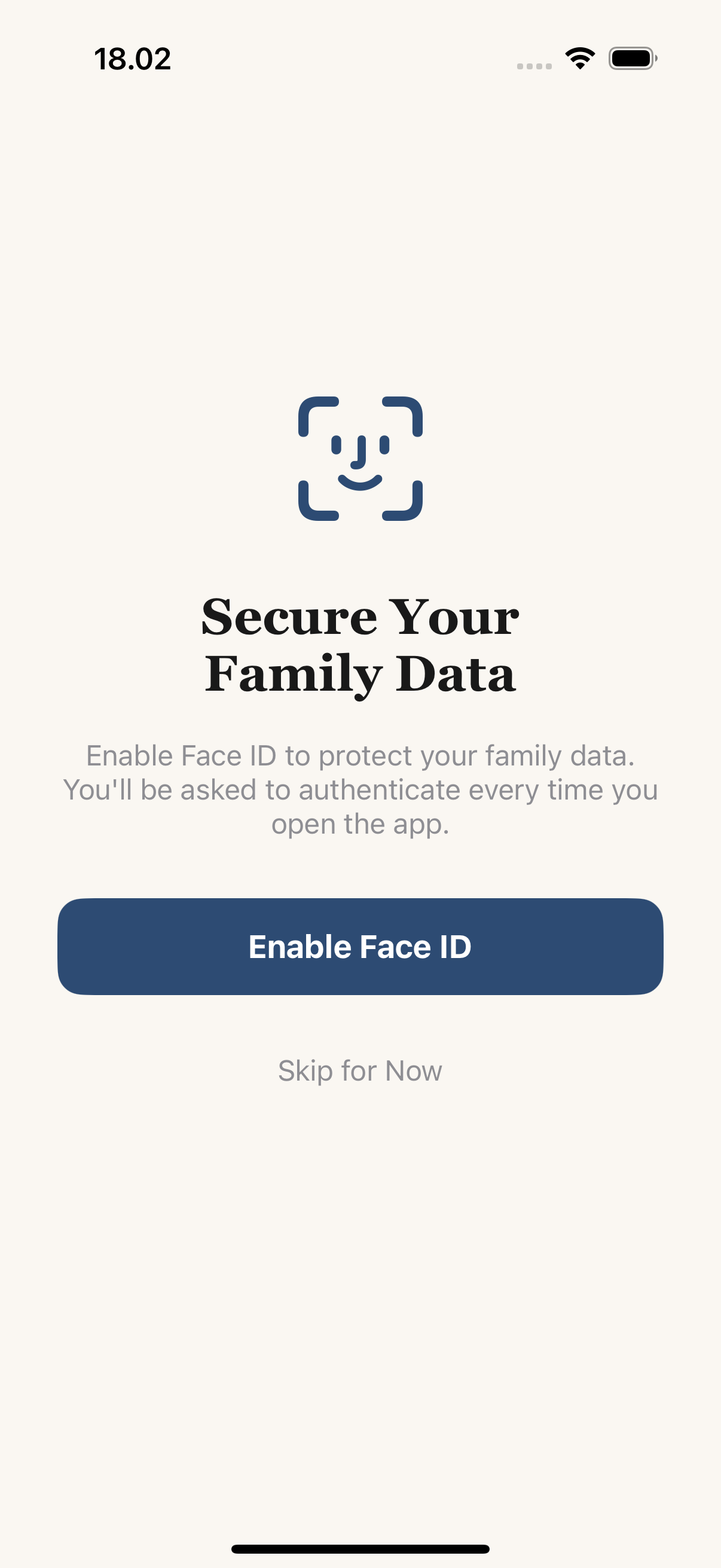
Locked with Face ID

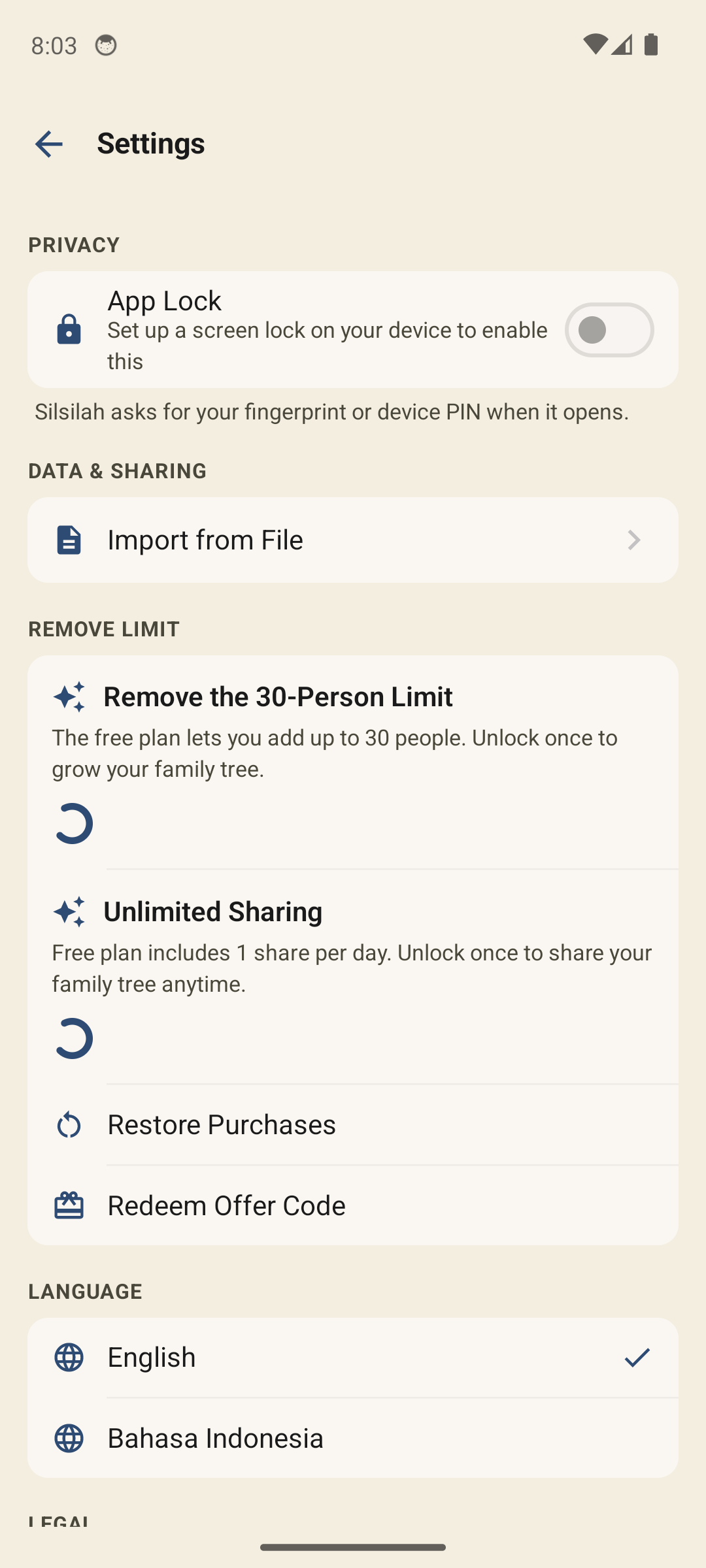
Turn on app lock and Silsilah: Family Tree opens only for you, with Face ID, Touch ID or your passcode.

No tracking, ever

No analytics SDKs, no ad profiles built from your data, no account. What you build is for your eyes only.

Get the full app on iPhone

Download Silsilah: Family Tree for larger trees, photo matching, Face ID lock, and the complete feature set. Free to download — with an optional one-time purchase to remove ads.

Download on theApp Store

★★★★★

iOS 18.2 or later · Free to download

Want it on Android?

Android is in development. Leave your email to be notified when early access or launch updates are ready.

Good to know

Questions, answered

No. There's no sign-up and no login. You open the app and start building — everything is kept locally on your iPhone.

Your data stays on your device. There are no cloud servers holding your family tree — it's saved locally. In the browser preview, your tree is kept only in your browser's local storage.

Yes. The browser preview above lets you build a tree of up to 10 people to understand the core experience before downloading the full app.

The full app supports unlimited tree size, photo matching, contact import, Face ID lock, and the complete set of features. The preview is a simplified taster capped at 10 people.

Yes, in the full iPhone app. You can pull names and photos from your contacts, add photos to relatives, and use on-device photo matching to find more pictures of family members.

It's in active development. We're not announcing a date yet — leave your email above and we'll let you know as soon as it's available.

Silsilah: Family Tree is free to download and build your tree. It's supported by occasional ads, which you can remove with a one-time in-app purchase — no subscription needed.

Ready to start your family tree?

Try the preview above or download the full app on iPhone — private, no account, no tracking.